
Setup
Best IPTV for Firestick UK: Apps, Setup and Fixes
Best IPTV for Firestick UK: the four services priced per month, the official unknown-apps setting, Downloader, player choice, Ethernet and common fixes.
The Get IPTV UK desk, Prices, plans and setup guides Updated 28 September 2026
Pressed for time? VIPSATV offers a 24-hour trial, no card needed.
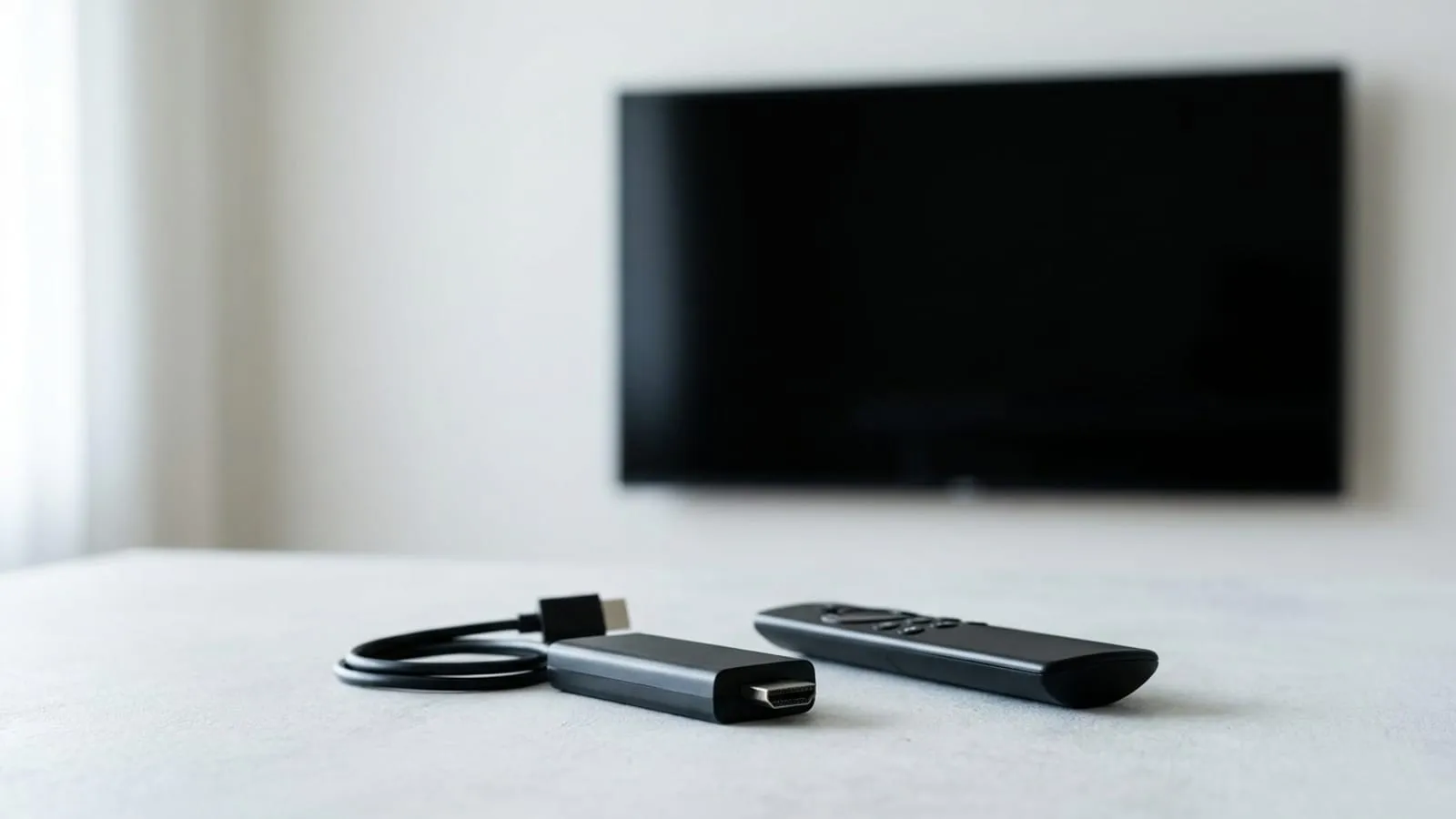
The best IPTV for Firestick UK buyers is the service whose price suits you and whose 24-hour trial plays cleanly on your own broadband, because all four listed here support the stick. The Firestick is the simplest way to get IPTV onto a British television with an HDMI port. What decides the result is the service behind it and a few settings you control.
All four services on this site list Firestick and Fire TV support, so the device does not narrow the choice. On published figures our pick is VIPSATV: the lowest one-month price of the four at £11.99, one listed price per term so the renewal matches, and the largest listed line-up at 57,000+ channels. If you already know you want six months or more, RoomateTV is lower per month from that point.
What you need before you start
- A Fire TV device. For 4K channels, a 4K model; the basic and Lite sticks output HD. Check it runs Fire OS: Amazon’s newer Vega OS devices do not install Android app files from outside the Appstore.
- Enough broadband. The services recommend 25 Mbps for a 4K stream. Check the speed at the hour you watch, not when the house is empty.
- A login. Either an M3U playlist URL or an Xtream Codes login (server address, username, password). Every service here offers a 24-hour trial that issues one.
- An Ethernet option, if the router is within reach.
The best IPTV for Firestick UK buyers, priced per month
The verdict first: VIPSATV is lowest at one and three months, RoomateTV from six months on, and Streamtion is the dearest over the long terms. Figures come from each service’s plan page.
| Service | Channels | 1 month | 3 months | 12 months | 24 months | Trial |
|---|---|---|---|---|---|---|
| VIPSATV | 57,000+ | £11.99 | £9.66/mo | £5.58/mo | £3.92/mo | 24 hours, email, no card |
| RoomateTV | 45,000+ | £13.99 | £10.66/mo | £5.25/mo | £3.75/mo | 24 hours, no card, from checkout |
| Clixwatch | 39,000+ | £14.99 | £11.66/mo | £6.75/mo | £4.71/mo | 24 hours, no card |
| Streamtion | 24,500+ | £14.99 | £12.33/mo | £6.92/mo | £4.87/mo | 24 hours, no card |
RoomateTV’s trial starts from the checkout with no account step, which makes it the quickest way to get a login to try the setup below. Every service lists one price per term, so there is no introductory rate to fall away at renewal.
Step 1: allow unknown apps
Many IPTV players are not in the Amazon Appstore, so the stick needs permission to install from elsewhere. This is a standard setting Amazon documents for developers. Nothing on the device is permanently changed, and it is not a modification of the stick.
- Open Settings
- Choose My Fire TV, or Device on older menus
- Open Developer Options
- Turn on Install unknown apps for Downloader, or Apps from Unknown Sources on older menus
If Developer Options is missing, Amazon’s documentation says to open Settings, My Fire TV, About and select the device name seven times.
Step 2: install Downloader
Search the Appstore for Downloader and install it. It is a free app that fetches a file from a web address you type, which fills the gap left by the stick having no browser-style file manager. Allow it storage access on first launch. Newer menus grant the unknown-apps permission per app, so if the install is refused, return to Developer Options and allow Downloader by name.
Step 3: choose a player
The player and the subscription are separate. The player is free or close to it; the subscription is where the recurring money goes. Three players cover most setups:
- IPTV Smarters Pro. Takes an Xtream login or an M3U URL and runs on most devices, which makes it easy for a mixed household. Our IPTV Smarters guide covers the install and login screens.
- TiviMate. Built for Android TV devices, including Fire TV, with no phone version. It has a free tier and an optional paid premium tier.
- XCIPTV. A lighter player that accepts either login format.
Where a player is listed in the Appstore, install it from there, because store installs update themselves. Otherwise type the download address from the developer’s own website into Downloader. Do not install unlocked copies of paid tiers or files from sharing sites.
Step 4: enter your login
Every player wants one of two logins:
- Xtream Codes: server address, username and password, entered exactly as sent. Keep the http:// or https:// and any port number, and watch for a trailing space.
- M3U URL: one playlist link, whole and unedited. Copy it from the service’s account page rather than an email, which can wrap it.
The first load pulls the whole list and guide, so give it time. Before it reaches the stick, use the account page each service provides to trim the channel groups you never watch. A shorter list loads faster on any stick and much faster on a basic one.
Step 5: move the stick onto Ethernet
The stick sits behind a television, often in a poor spot for a wireless signal and on a crowded 2.4 GHz band. Amazon sells an Ethernet adapter for its sticks; check it lists your model. If a cable cannot reach, a powerline adapter is the next option. Failing that, join the 5 GHz band and bring the router closer.
Do this before you judge a service. Otherwise you are measuring your Wi-Fi.
Step 6: player settings worth a look
- Decoder: hardware first. If one channel shows a garbled or green picture, switch that channel to software.
- Stream format: where the player offers HLS or MPEG-TS, try the other one on a channel that stutters.
- Buffer size: one step above default can smooth small dips; much more makes channel changes slow.
- Guide refresh: once a day rather than on every launch, so the app opens faster.
Then set favourites for the channels you open each week, so the first screen is yours rather than the full line-up.
Troubleshooting the best IPTV for Firestick UK setups
Stutter in the evening, fine at lunchtime. Wire the stick. Clear the player’s cache under Settings, Applications, Manage Installed Applications, then the player, then Clear cache. Restart from Settings, My Fire TV, Restart rather than pulling the plug. Then run a speed test at the hour you watch.
Black screen when a channel opens. Re-enter the login. A lost http:// or a stray space in the server field are the usual causes.
“Playlist could not be loaded”. The M3U link was shortened, wrapped or pasted with a space. Copy it again from the account page.
Guide fills, nothing plays. Count the screens in use against your plan’s connection count.
“Account expired”. Check the expiry date on the account page. The renewal price equals the listed price on all four, so renewing on time costs no more than the first term did.
Audio out of step. Switch the decoder for that channel, or change the stream format.
Menus jerk or the player closes. Close background apps, uninstall anything you no longer use, and trim the channel list.
Worked last month, not now. Update the player first, then check whether the service has posted a new server address on its account page.
Do the whole setup on a trial
Set everything up during a 24-hour trial, at the hour you normally watch, on the television you normally use. That is the only way to see how a service plays on your line, your stick and your evening together. Our free trials guide lists what to check in the 24 hours.
Once it plays properly, pick a term you expect to see out. The monthly versus annual comparison shows where each term starts to pay, the budget round-up covers the low end, and the device guide covers other hardware. For a rolling month while you decide, VIPSATV at £11.99 is worth a look if the price suits.
Now it needs something to play
VIPSATV’s 24-hour trial costs nothing and needs no card, which is the cheapest way to find out whether it is worth the money on your line.
Take the free trialWorth knowing
Wired beats wireless behind a television
A Firestick sits behind the screen, which is often a poor spot for a wireless signal, and the 2.4 GHz band is shared with every neighbouring router. That is a common home-side reason a stream stutters in the evening.
Amazon sells an Ethernet adapter for its streaming sticks, and a powerline adapter is the fallback where a cable cannot reach. Failing both, move the stick onto the 5 GHz band and bring the router closer. Rule these out before you judge any service.
The player and the subscription are separate purchases
A Firestick has no live channels built in. You choose a player app for the device and a service that supplies the list, and the two are easy to confuse when something goes wrong.
Most players are free or have an optional paid tier. The subscription is where the recurring money goes, which is why this site compares services on their per-month price and leaves stability for you to judge during the free trial.
Common questions
What is the best IPTV for Firestick in the UK?
On published figures, VIPSATV: it has the lowest one-month price of the four at £11.99 and the largest listed line-up at 57,000+ channels. RoomateTV is lower per month from six months on. All four list Firestick support, so the stick itself does not narrow the choice. Confirm on your own line with the 24-hour trial.
How do I install IPTV on a Firestick?
Install a player from the Appstore if it is listed. If not, install Downloader, allow it under Settings, My Fire TV, Developer Options, Install unknown apps, and download the player from its developer's own site. Open the player and enter the login the service issued.
Which Firestick should I buy for IPTV?
For 4K channels, one of the 4K models; the basic and Lite sticks output HD. Also check the device runs Fire OS, because Amazon's newer Vega OS devices do not install Android app files from outside the Appstore.
Why does my Firestick stutter in the evening?
Check the home side first: Wi-Fi rather than Ethernet, a full app cache, too many background apps, then the broadband speed at that hour. The services recommend 25 Mbps for a 4K stream. If all four are fine, judge the service during its trial at the same hour.
Do I need to modify a Firestick to use IPTV?
No. Allowing unknown apps is a standard setting Amazon provides for developers, and installing a free player through it changes nothing permanent on the device. Do not install unlocked copies of paid apps.
Can I watch on two Firesticks at once?
Only if the plan includes two connections. With one connection, the second screen to press play takes the stream. Multi-connection plans are sold by all four services, so check the price for the number of screens you need.